
Dear Valued Customers!
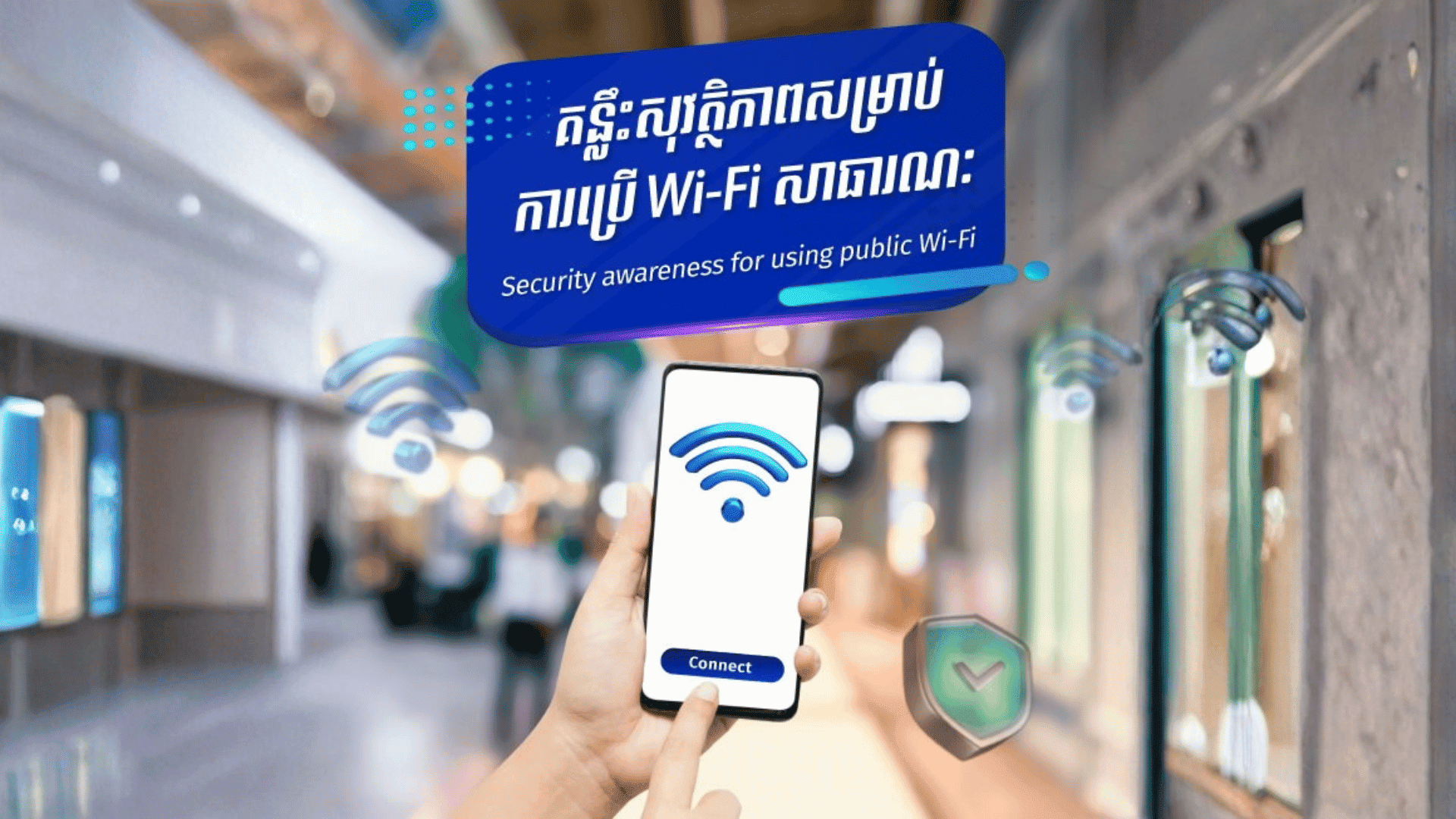
Security awareness for using public Wi-Fi (such as café shops, supermarkets, hotels, airports...) are crucial to protect your personal information and privacy. Here are some important tips to stay safe:
- Avoid accessing sensitive information into unknown software applications or websites: Avoid entering credit card information, or accessing other sensitive accounts and credentials (username, password, or OTP) when connected to public Wi-Fi networks.
- Use HTTPS: When browsing websites, look for HTTPS in the URL to ensure that your connection is encrypted.
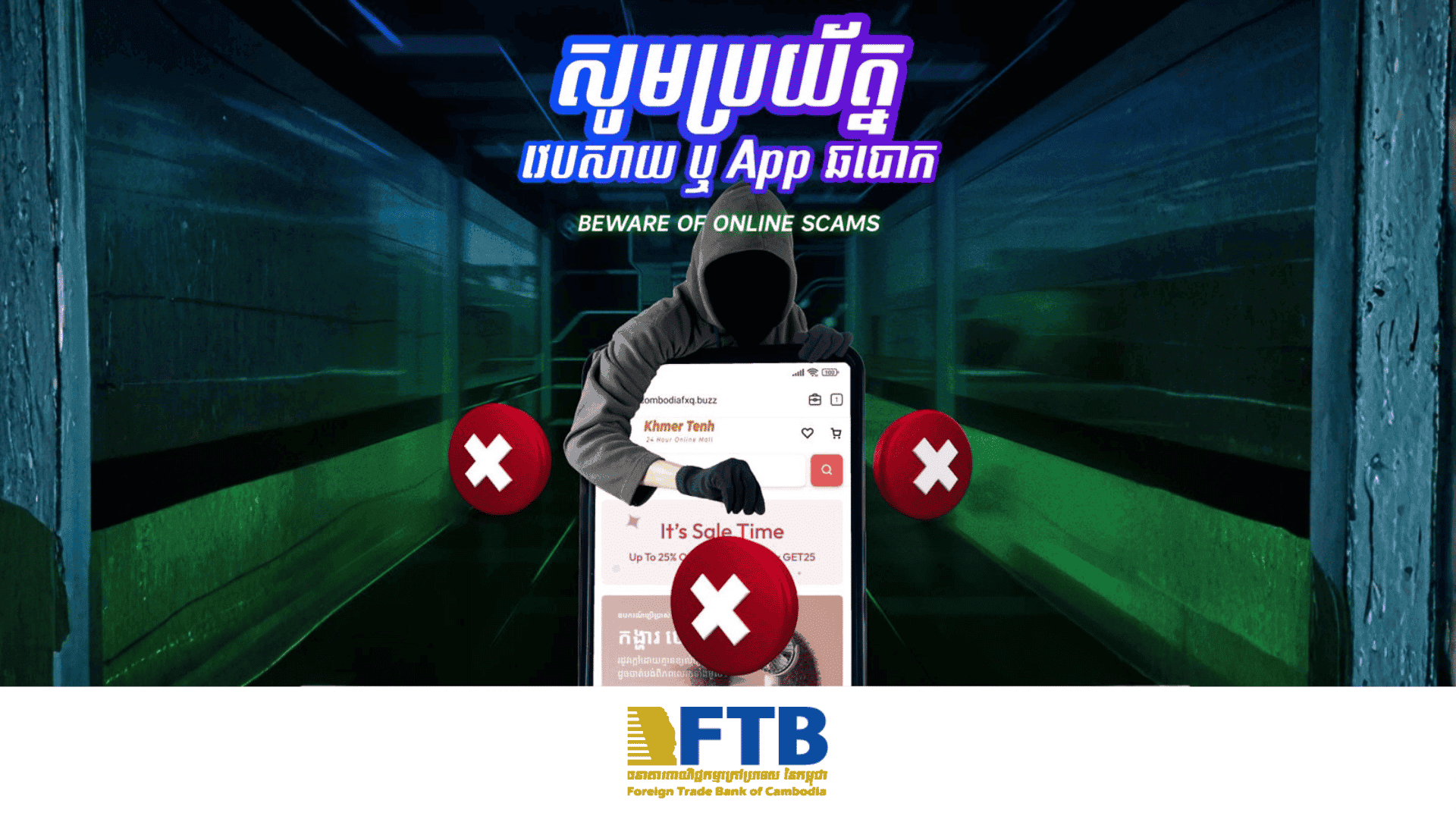
- Do not download or install any software applications from unknown sources, including email links. Doing so may create a security loophole for your device, allowing it to be remotely controlled and monitored.
- Enable two-factor authentication: Use two-factor authentication whenever possible to add an extra layer of security to your accounts.
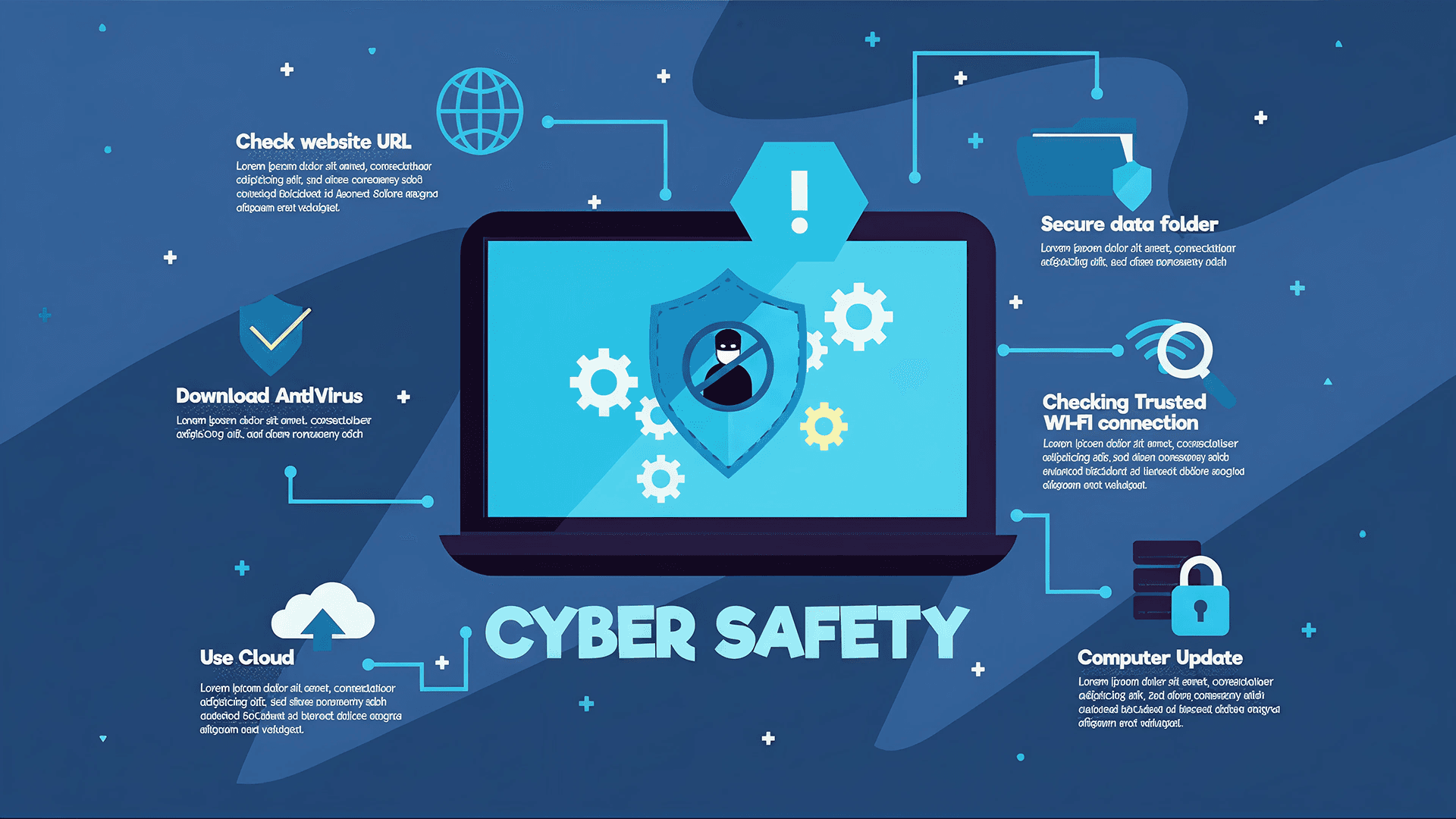
- Keep your devices updated: Ensure that your devices have the latest software updates and security patches to protect them from known vulnerabilities.
- Use a VPN: Use a Virtual Private Network (VPN) whenever possible to encrypt your internet connection and keep your data secure from potential eavesdroppers on public Wi-Fi networks.
- Verify network security: Check with the staff or management of the location to ensure that you are connecting to the official public Wi-Fi network and not a fake one set up by potential cybercriminals.
- Turn off sharing: Disable file sharing and AirDrop features on your device to prevent unauthorized access to your files when connected to public Wi-Fi.
- Disconnect when not in use: Turn off Wi-Fi and Bluetooth when you are not actively using them to prevent unauthorized access to your device.